You say yes. Sam does the rest.
Here’s how Social works, from your first hello to a post on your Instagram. You approve each post before it goes out.
Unless you turn on Post new listings automatically. It’s off until you do.
Updated

How it works, step by step.
You
Get started and connect your accounts.
Choose your plan, sign in with your PropertySimple account (or create one), and tell us a little about you. The PropertySimple team sets up your workspace and lets you know by email. Then connect your accounts: Facebook, Instagram, X, TikTok and LinkedIn.
What you need
- A Facebook Page, not a personal profile
- An Instagram professional account linked to that Page
Sam
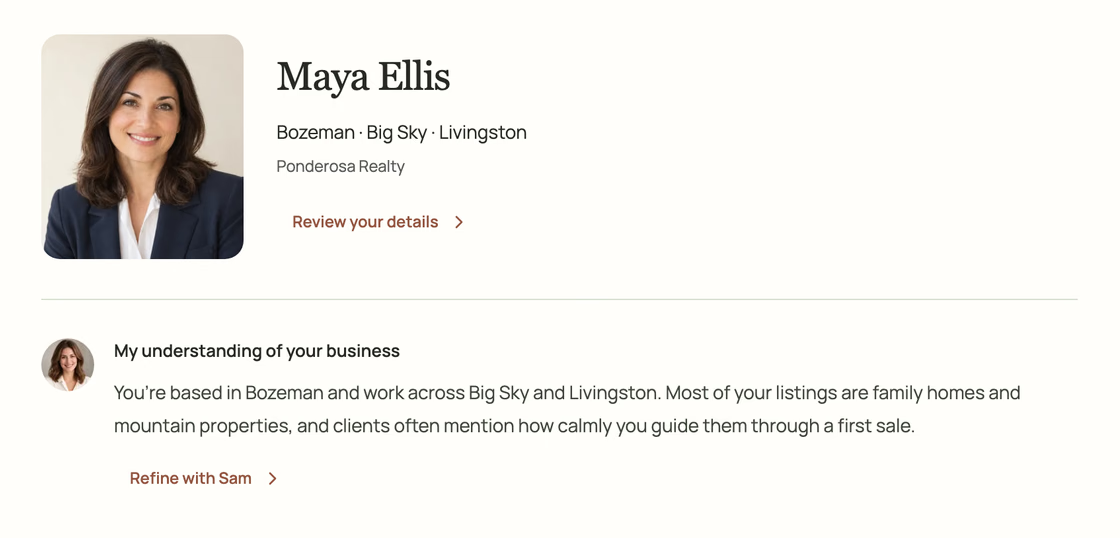
Sam learns your business.
She starts from your listings, your photos and logo, and what you tell her. She can also look up your public professional pages, like your brokerage profile, unless you turn that off. About you shows everything she knows and where it came from, and your corrections stay put.
Example
You
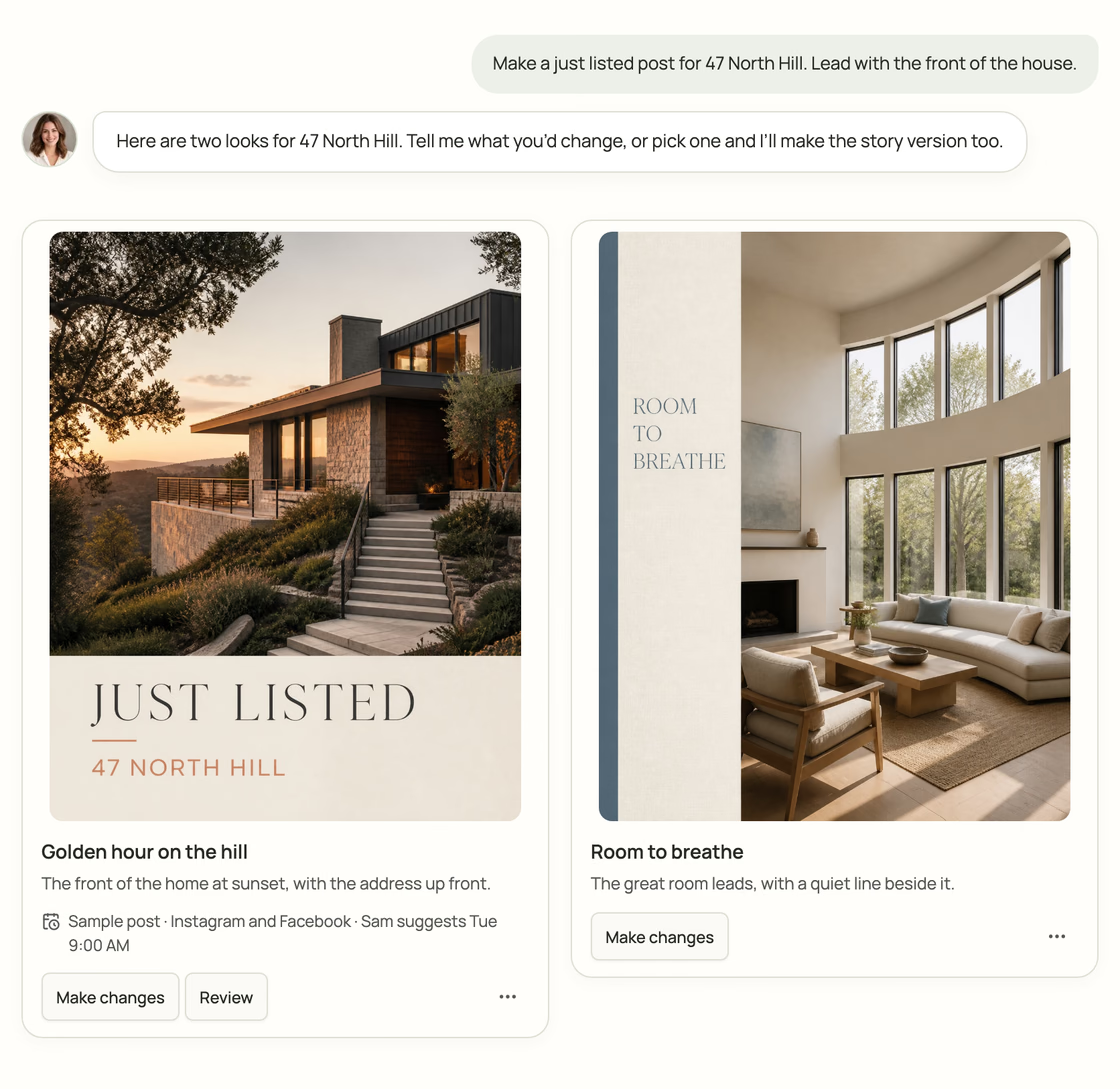
Tell her what you need. She makes it.
Type or talk, and add photos if you like. Sam makes the design and the caption, and changes anything until it feels like you. Need a story version too? She makes other sizes from the same post.
Example
Sam
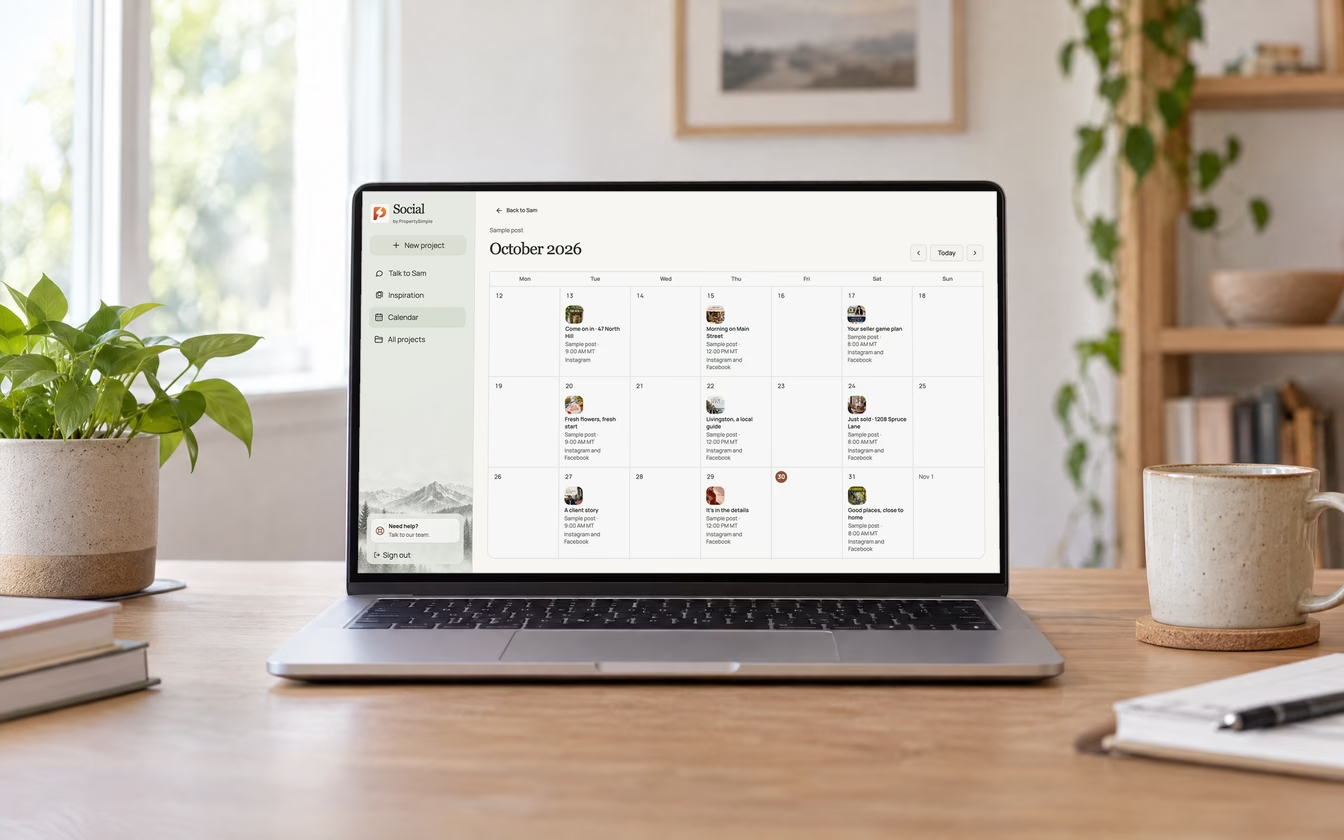
You approve. She posts.
Each version you approve goes to the accounts you connect at the time you choose, outside your quiet hours (9 PM to 8 AM unless you change them), or right away with Post now. You’ll see every post on your calendar.
Example


A few things Sam never does.
Post something you haven’t approved.
The one exception is Post new listings automatically, and only if you turn it on.
Add anything a home doesn’t have.
No extra rooms, no new views, no made-up pools. She can crop a photo, and that’s it.
Post during your quiet hours.
Scheduled posts wait until 8 AM unless you change your hours or tap Post now.
Run ads or buy followers.
Social makes and posts your regular posts. For a paid campaign on a listing, there’s PropertySimple Ads.
Talk to Sam like you’d talk to anyone.
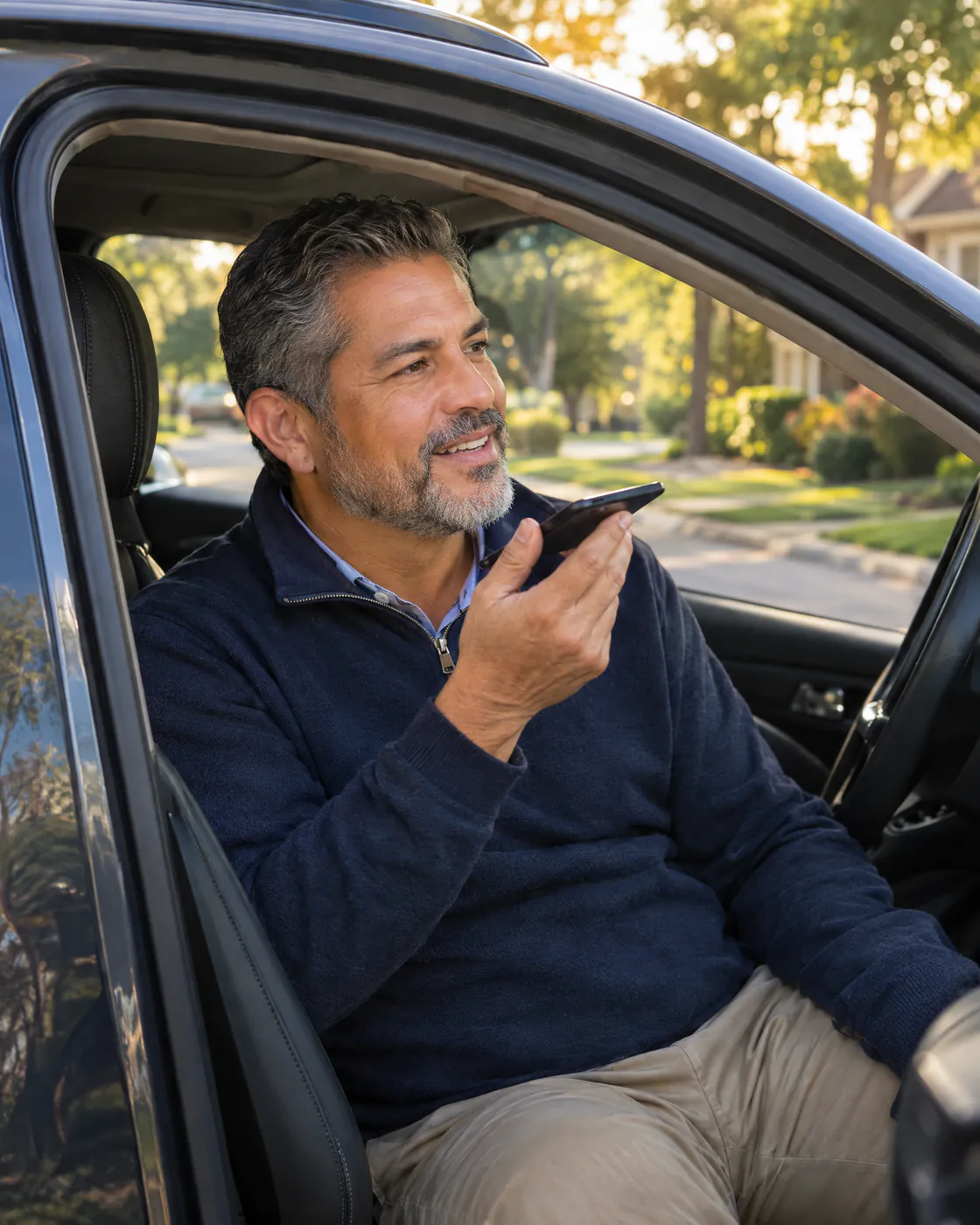
Talk to her from the car between showings, or type when that’s easier. She answers in English or Spanish, whichever you use.
Up to 24 voice conversations a day. Works in your web browser today; apps for iPhone, iPad and Mac are coming soon.
Good to know.
What do I need to get started?
A Facebook Page, not a personal profile, and an Instagram professional account linked to it. Once the PropertySimple team connects your listings to your account, Sam works from them. You can always add your own photos too.
Which networks can Sam post to?
Facebook, Instagram, X, TikTok and LinkedIn. You’ll need a Facebook Page, not a personal profile, and an Instagram professional account linked to it.
When do my posts go out?
At the time you pick, in your time zone. Scheduled posts wait out your quiet hours, 9 PM to 8 AM unless you change them. Need it out now? Tap Post now.
Can I talk to Sam instead of typing?
Yes. Type or talk, whichever is easier between showings. You can have up to 24 voice conversations with Sam a day.
Does Sam speak Spanish?
Sí. Talk or write to Sam in Spanish and she answers in Spanish. Social’s site and app are in English and Spanish.
Be the agent they already know.
When it’s time to buy or sell, people call the agent they’ve been seeing all along. Sam makes sure that’s you.
Get started